Für die Konfiguration der Messgeräte kann die kostenlose GridVis Essentials auf einem lokalen PC installiert und verwendet werden.
Der Download der GridVis ist hier verfügbar.
Zur korrekten Übermittlung und Darstellung der Daten in der GridVis Cloud sind zwei Einstellungen in den verbundenen Janitza-Messgeräten notwendig:
- Korrektes Setzen der Messgeräte-Systemzeit
- Vollständige Aufzeichnungs-Konfiguration der Wirkarbeitswerte
Eine Beschreibung der entsprechenden Konfigurationen der Messgeräte finden Sie in den jeweiligen Nutzungsinformationen.
Folgende Einstellungen sind für die GridVis Cloud vorzunehmen:
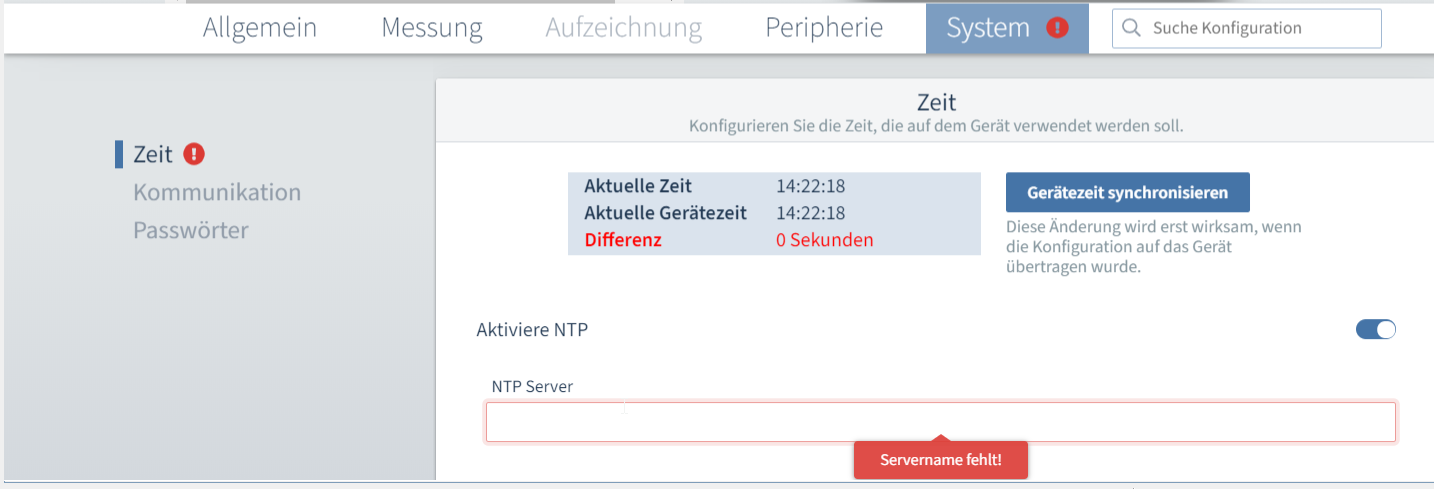
Geräte-Systemzeit (am Beispiel des UMG 96-PA) | Synchronisieren Sie die
durch Anwahl des Buttons Gerätezeit synchronisieren. Diese Änderung wird wirksam, wenn die Konfiguration auf das Gerät übertragen wird. Bei Anwahl von
geben Sie im markierten Feld einen Servernamen (max. 63 Zeichen) an, um die NTP-Zeit auf das Gerät zu übertragen. Wir empfehlen die Verwendung von NTP, wenn verfügbar. |
Beispieldarstellung für UMG 96-PA |
|---|---|---|
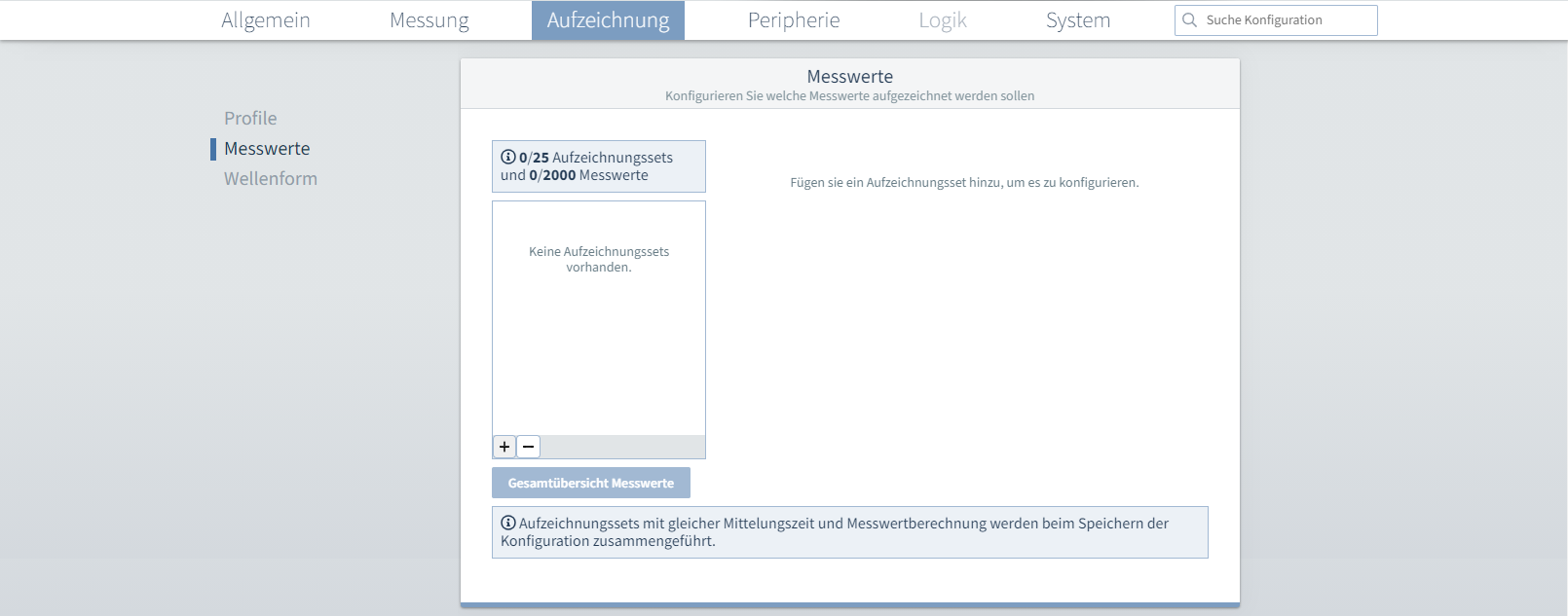
Aufzeichnungs-konfiguration (am Beispiel des UMG 801) | Legen Sie eine neue Aufzeichnungskonfiguration an oder ändern Sie die bestehende Konfiguration ab:
* Die Konfiguration einer abweichenden Mittelungszeit ist möglich, wird aber nicht empfohlen. Eine größere Mittelungszeit führt zu einer weniger detaillierten zeitlichen Darstellung der Verbrauchswerte in der GridVis Cloud. |
Beispieldarstellung für UMG 801 |